Mobile User Registration and Login Guide
This guide shows mobile users how to register with an email address and log in from a phone. Follow each mobile screenshot in order.
This guide shows mobile users how to register with an email address and log in from a phone. Follow each mobile screenshot in order.
Open the mobile login page
On your phone, open Cloud Memorials and tap the account or login entry to reach the mobile sign-in screen.
Open the registration form
Tap Register now below the login form to create a new account with an email address.
Enter email and image code
Type your email address, enter the image verification code, and refresh the image if it is unclear.
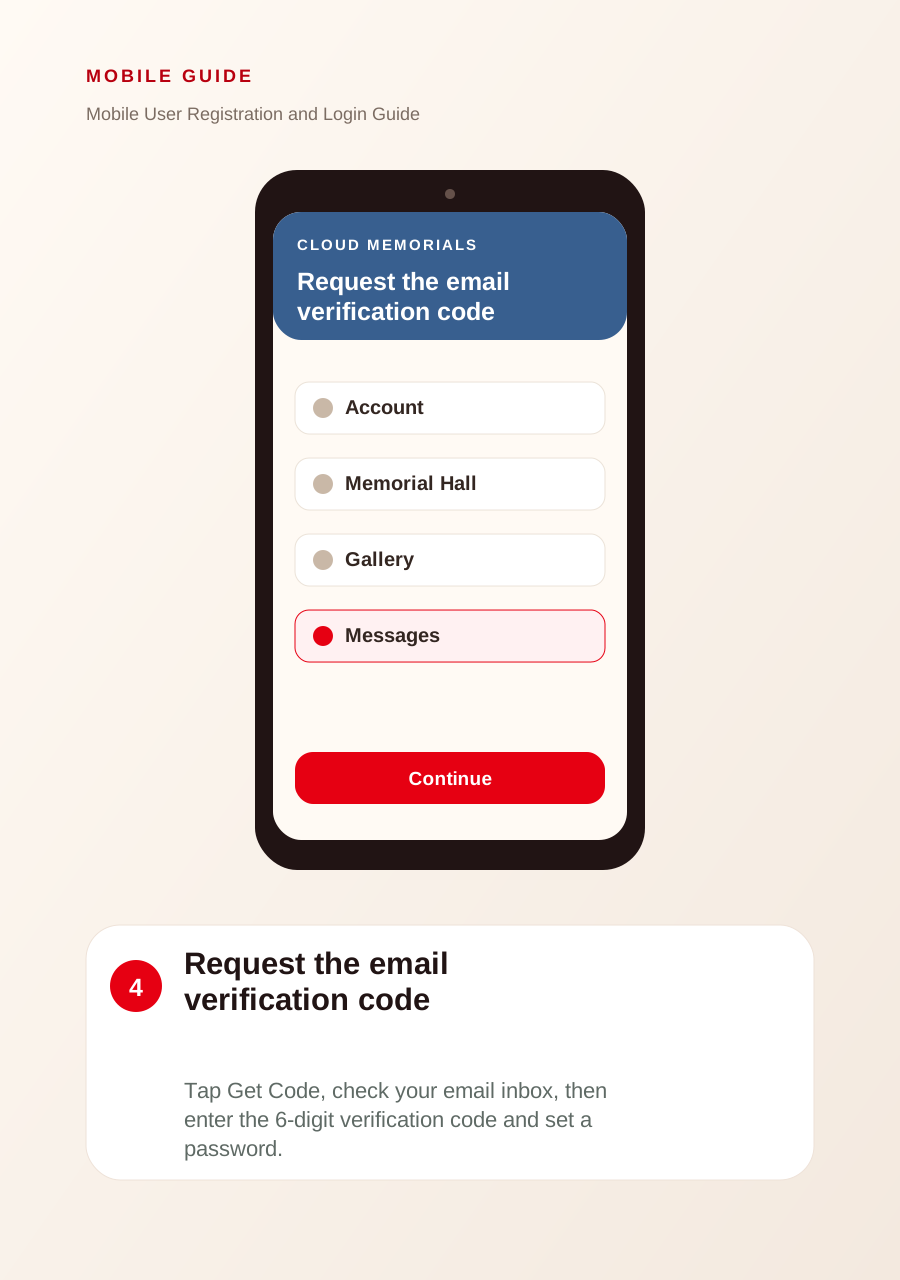
Request the email verification code
Tap Get Code, check your email inbox, then enter the 6-digit verification code and set a password.
Log in to your account
Return to the login screen, enter your email and password, agree to the terms, and tap Login now.