Mobile Memorial Hall Creation Guide
This guide shows mobile users how to sign in and create a memorial hall from a phone-sized workflow.
This guide shows mobile users how to sign in and create a memorial hall from a phone-sized workflow.
Sign in on mobile
Open the mobile login page and sign in before creating a memorial hall.
Tap Create Hall
From the mobile home or account area, tap Create Hall to start the setup flow.
Choose the hall type
Select the memorial hall type. A single memorial hall is usually selected by default, then tap Next.
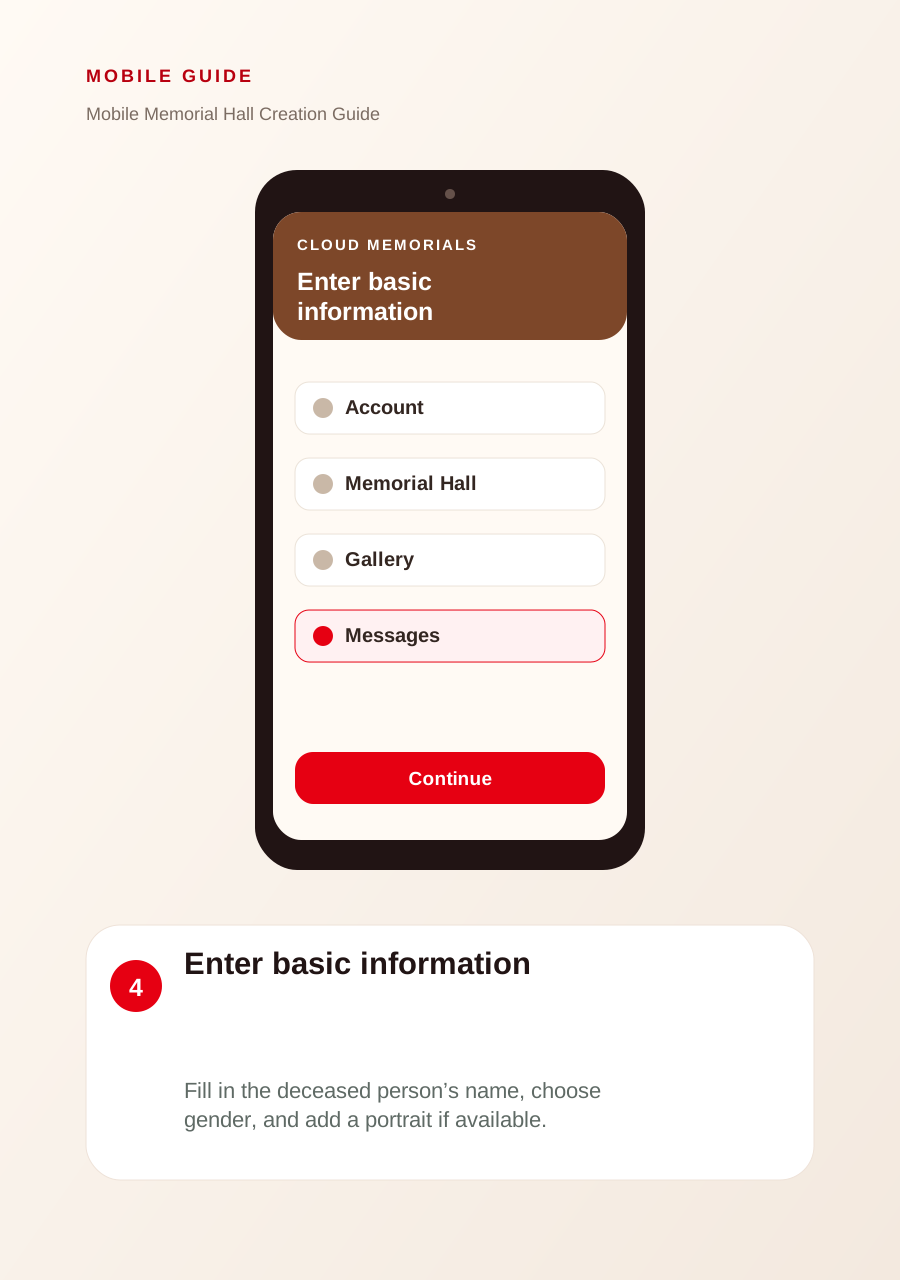
Enter basic information
Fill in the deceased person’s name, choose gender, and add a portrait if available.
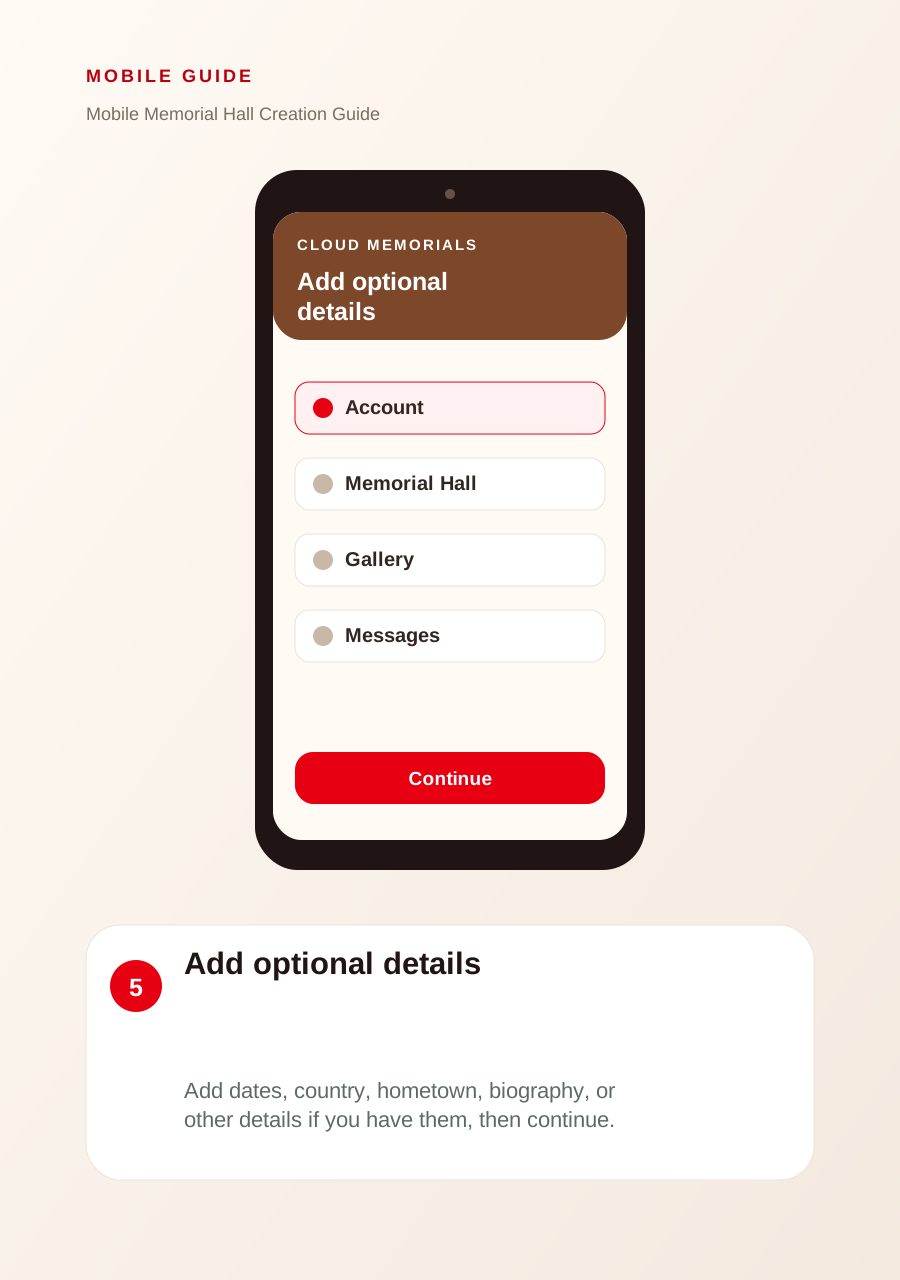
Add optional details
Add dates, country, hometown, biography, or other details if you have them, then continue.
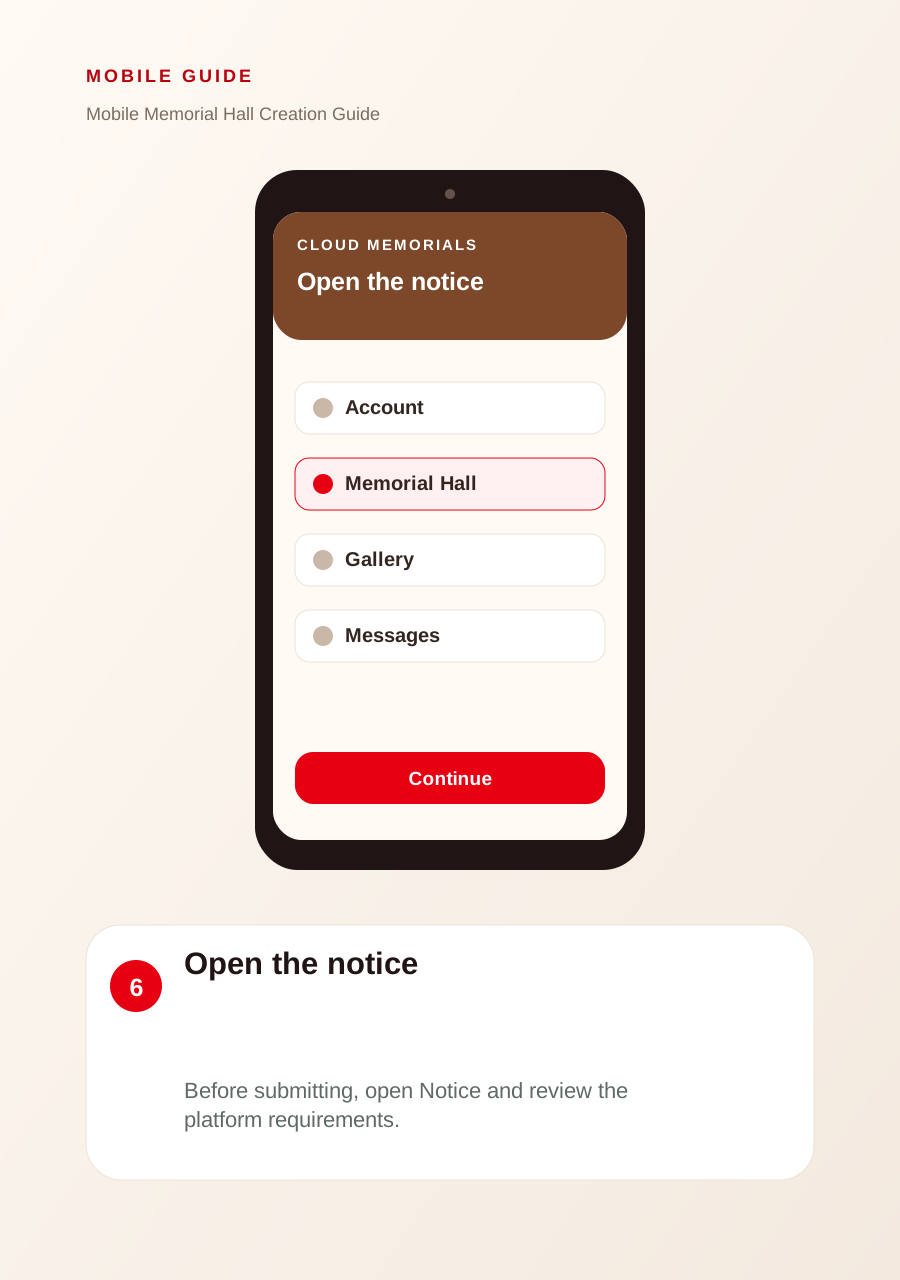
Open the notice
Before submitting, open Notice and review the platform requirements.
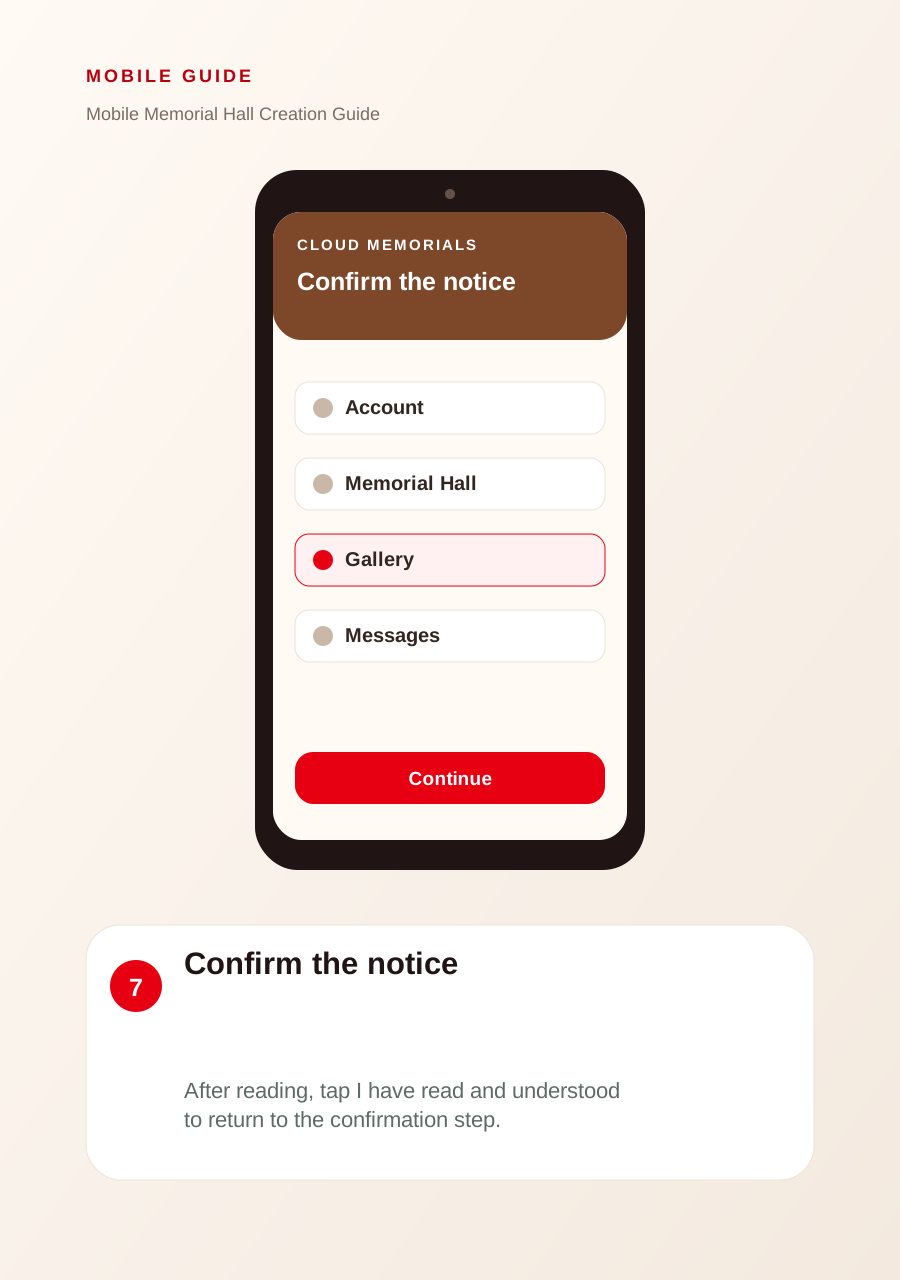
Confirm the notice
After reading, tap I have read and understood to return to the confirmation step.
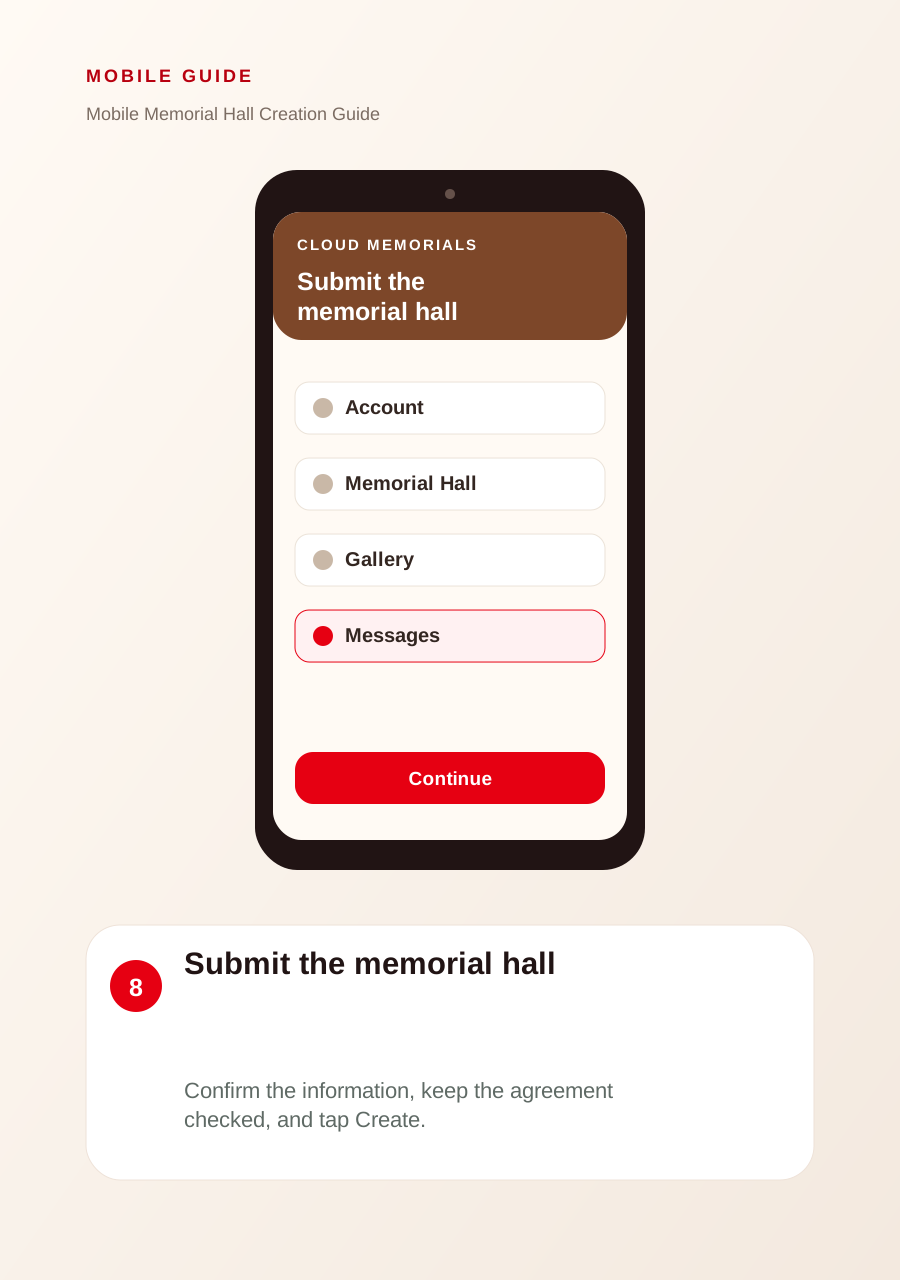
Submit the memorial hall
Confirm the information, keep the agreement checked, and tap Create.
Check My Memorials
After creation, the new memorial hall appears in your mobile management list.