Mobile Memorial Profile Editing Guide
Learn how to edit basic information, biography, visibility, and profile details of a memorial hall on mobile.
Learn how to edit basic information, biography, visibility, and profile details of a memorial hall on mobile.
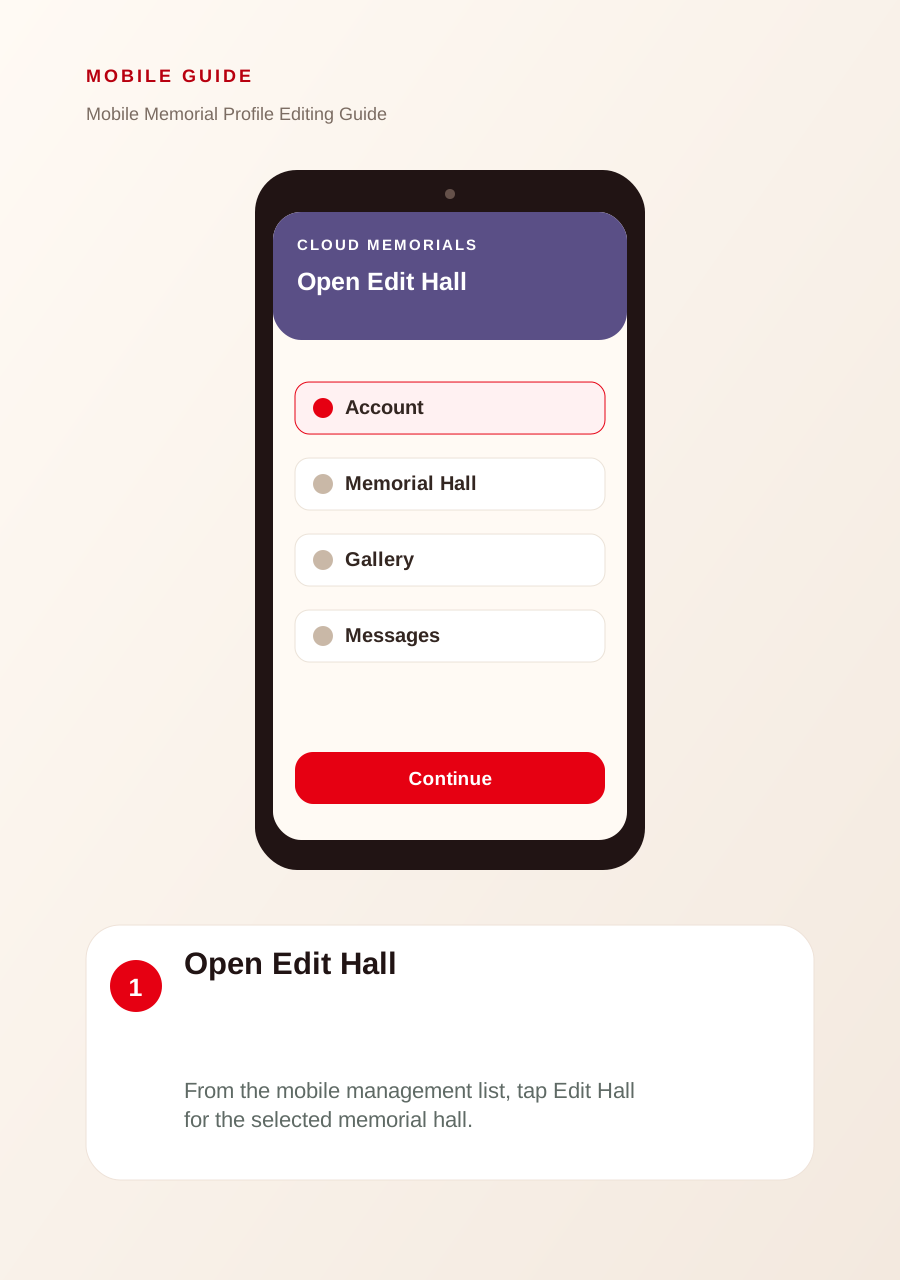
Open Edit Hall
From the mobile management list, tap Edit Hall for the selected memorial hall.
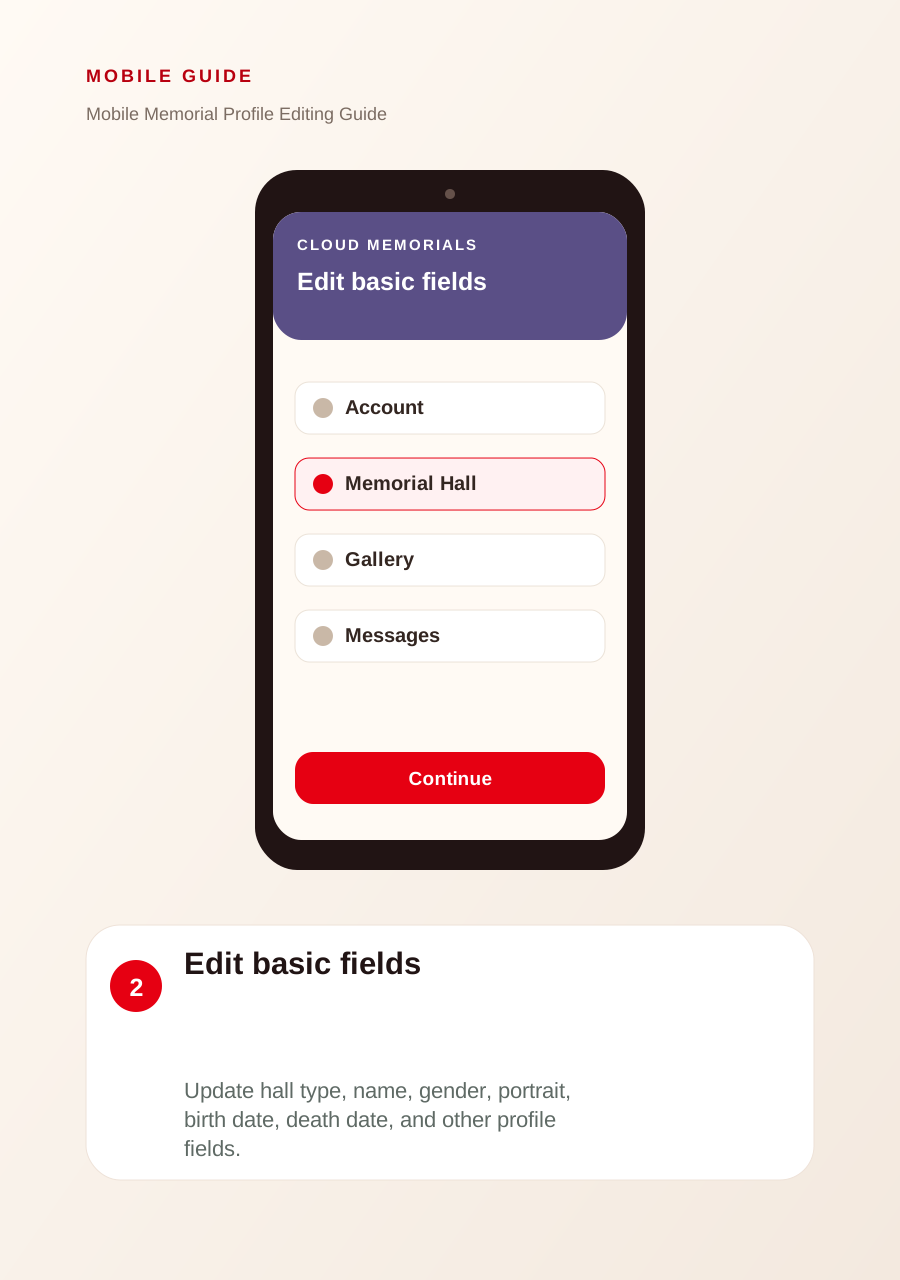
Edit basic fields
Update hall type, name, gender, portrait, birth date, death date, and other profile fields.
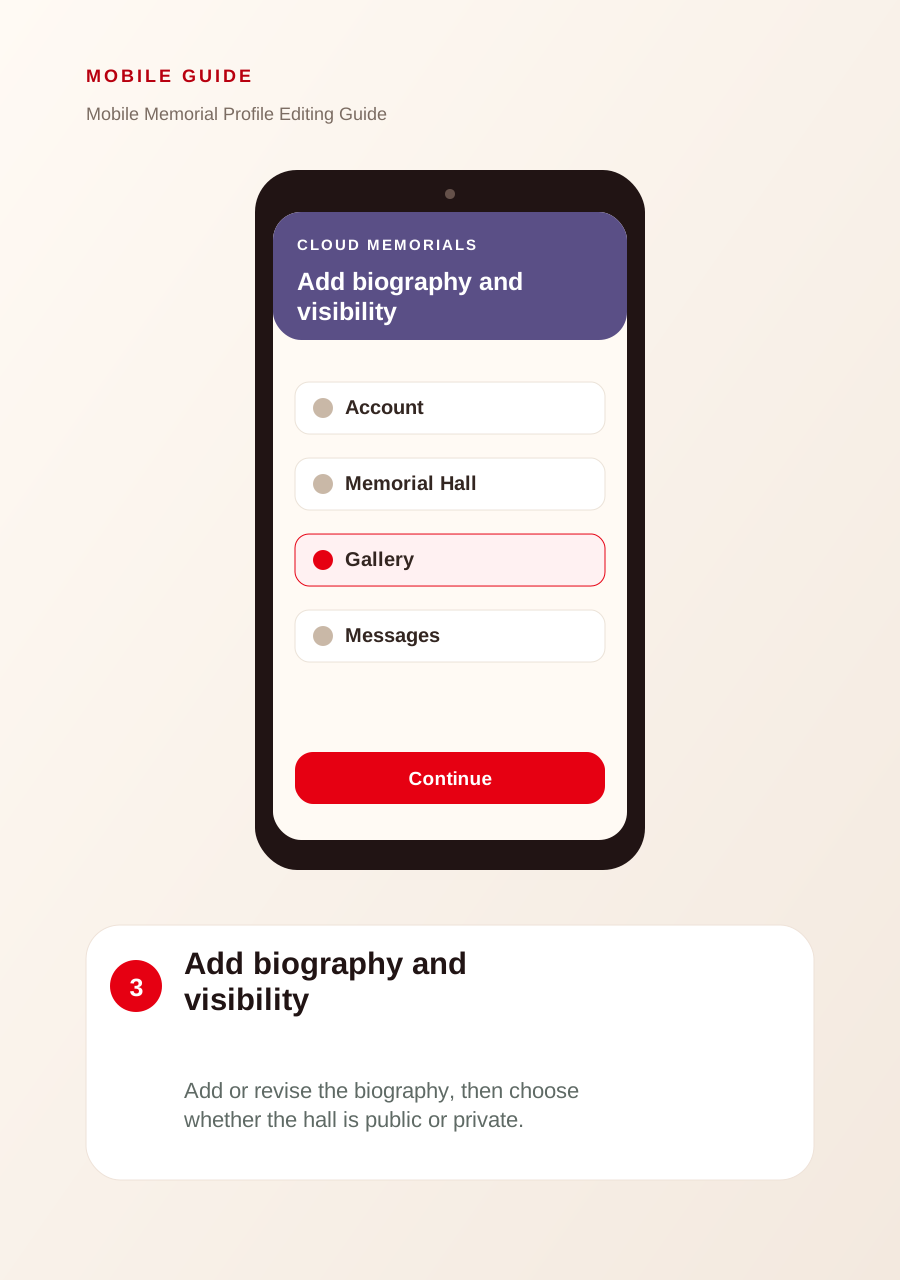
Add biography and visibility
Add or revise the biography, then choose whether the hall is public or private.
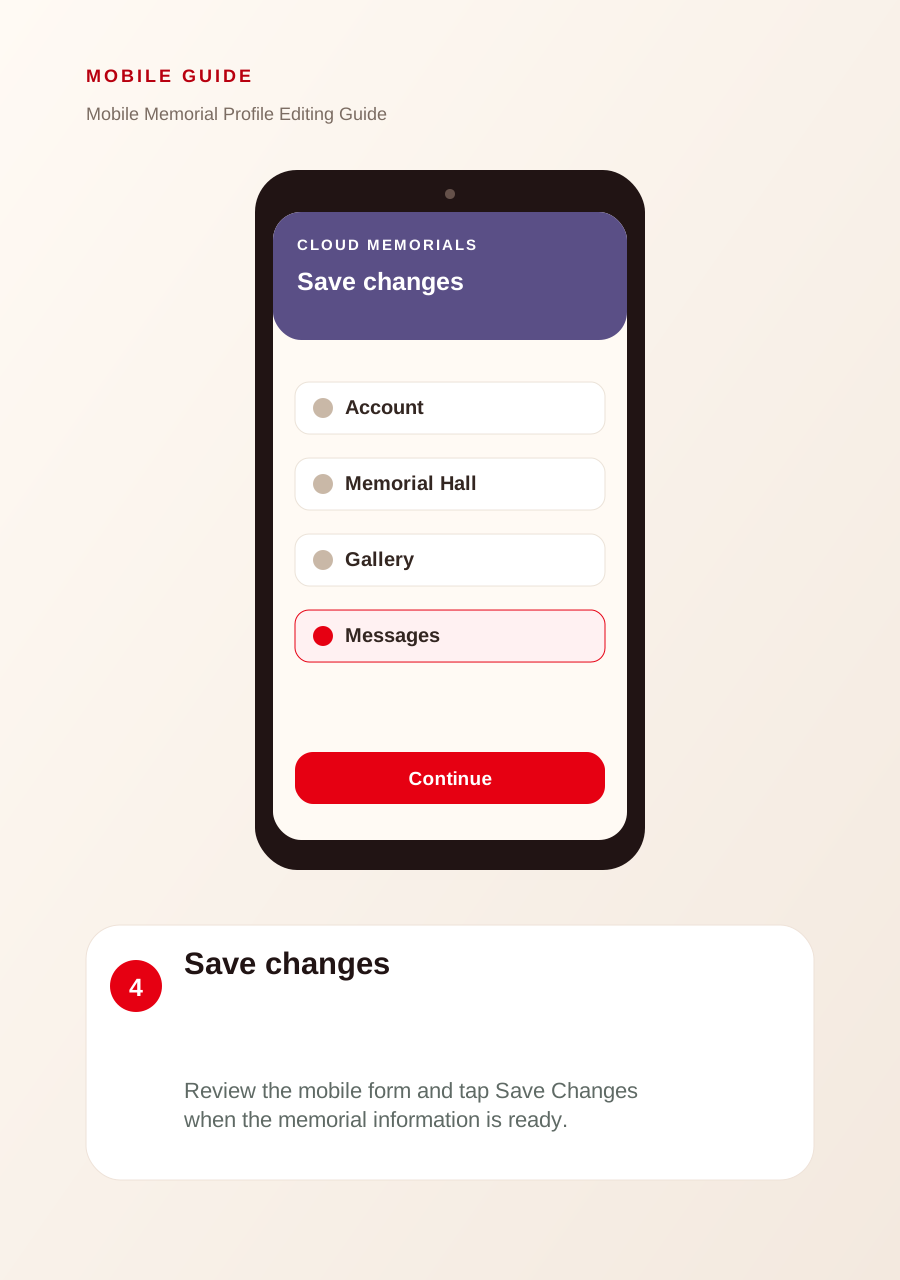
Save changes
Review the mobile form and tap Save Changes when the memorial information is ready.